
How to use Desmos on the SAT

The digital SAT comes with a built-in Desmos graphing calculator on every Math question. That's not a minor convenience; experienced tutors estimate that close to 40% of SAT Math questions can be solved more easily using Desmos than by working through the algebra by hand. For students who know how to use it, Desmos is a genuine competitive advantage. For students who don't, it's a distraction.
What Desmos is and how to access it
Desmos is a free online graphing calculator embedded directly into the Bluebook testing app. It's available on every Math question; the old no-calculator section was eliminated when the SAT went digital. On test day it appears as a calculator icon in the top right corner of the screen.
Practicing Desmos before test day is essential. The interface differs from a TI-84, and the keyboard layout takes some getting used to. Practice at desmos.com/calculator, which is the same tool available in Bluebook. LearnSATMath's Desmos guide on YouTube is one of the most-watched resources on the topic and a good starting point.
When Desmos helps most
Single variable equations. Any single variable equation (quadratic, square root, absolute value, rational) can be pasted directly into Desmos. The solution appears as a vertical line. No algebra, no factoring, no quadratic formula. For questions asking when an equation has no real solutions, plug in each answer choice for the constant and see which graph produces no vertical line.
Systems of equations and inequalities. Graph both equations and read the intersection coordinates directly. This works for linear systems, quadratics, and mixed systems, and Desmos accepts equations in any form; no need to convert to slope-intercept first. For inequalities, Desmos shades the satisfying region, so finding a valid point is as simple as finding the overlap. One exception: for linear systems with no solution, set the slopes equal algebraically instead. The slider approach on parallel lines is too imprecise to be reliable.
Quadratics and parabolas. Graphing a quadratic instantly shows roots, vertex, and number of solutions. For questions asking what value of a constant makes a quadratic tangent to the x-axis or have no solutions, the slider feature (covered below) handles this cleanly.
Functions. Treat function questions like single variable equations: replace the input with x, set the function equal to the target value, and read the answer as a vertical line. For evaluating a function at multiple input values, use the table feature (covered below).
Circles. Some circle problems are better with Desmos, some aren't. If a question asks which x or y values are possible for a point on a circle, graph it and read the range. But if it's just asking for the center or radius from standard form, learn the formula; it's faster.
Features most students miss
The slider feature. When a question asks "for what value of k does the equation have exactly one solution?", type the equation into Desmos with the constant as a variable (k, c, etc.). Desmos prompts you to create a slider. Drag it and watch the graph update until the condition is met. This turns what looks like an algebra problem into a visual one, and it's one of the most powerful features on the test.
Statistics functions. Type `median(` followed by your data set in parentheses and Desmos returns the answer immediately. Same for mean. College Board knows this, so straightforward mean/median problems are easy, but harder questions that require conceptual understanding of statistics still need to be solved the old-fashioned way.
The table feature. Click the plus sign in the top left of the expression list and select "table." Set the first column to x, the second to your function. Type in x values and Desmos populates the output automatically, useful for function questions that ask you to match input/output pairs against answer choices.
The keyboard panel. A small keyboard icon at the bottom of the Desmos window reveals trig functions, statistical operations, absolute value, and more. Most students never find it.
Regression tools. Desmos can fit a line or curve to a data set. If a question gives you a table of values and asks for the best model (linear, quadratic, exponential), type the data into a Desmos table and use regression syntax to find the equation. This is a niche skill but it comes up on harder data analysis questions and takes minutes to learn.
Zoom. If you graph two equations and don't see an intersection, zoom out before concluding there isn't one; the intersection may simply be outside the default view window.
When not to use Desmos
Desmos has an opening animation that takes a second or two. For simple calculations, opening it costs more time than it saves. Reaching for it on every question is a trap.
The deeper risk is over-reliance. Desmos can show you where two lines intersect, but not why, or what the intersection means in context. Questions that test conceptual understanding (equivalent expressions, parallel line logic, interpreting what a solution represents) are better done by hand. For these, Desmos at best wastes time and at worst leads you to a wrong answer.
The practical rule: know which question types call for it, open it quickly when they appear, and work by hand for everything else.
How to build Desmos fluency before test day
Use Desmos on every practice test before the real thing. Open it even when you don't strictly need to, explore its features on lower-stakes problems, and build an instinct for which questions are Desmos questions. Practice the slider feature specifically; most students only discover it exists during an actual test, which is not the moment to figure out how it works.
Bringing a mouse to the testing center also helps. Desmos is easier to navigate with a mouse than a trackpad, particularly when adjusting sliders or zooming in on graph regions.
Sharp is built for every student, no matter their starting point — personalized prep at a price that makes sense. getsharp.app
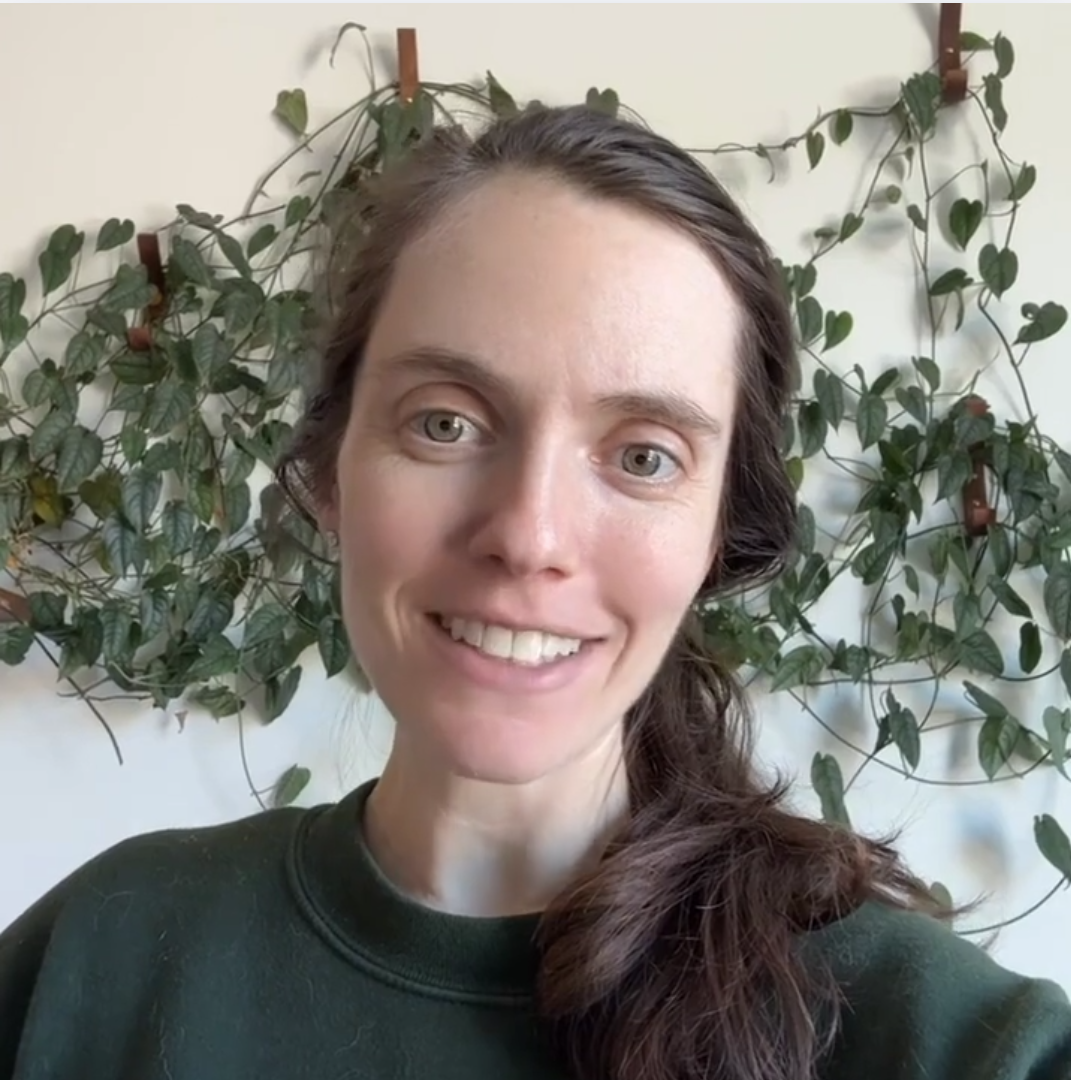
SAT Tutor & Co-founder
Kim scored a perfect 1600 on the SAT and graduated summa cum laude from Dartmouth. She's spent years tutoring students and helping them get into top colleges. After working as a software engineer at Apple and Airbnb, she founded Sharp to bring high-quality, personalized SAT prep to every student.